 CloseBellIn beta
Never miss a candle close.
Get a bell before your 15m, 1H, 4H or daily candle closes, plus a sessions clock for London, New York and Tokyo. Built for iPhone.
Get the beta at closebell.app.
Features
A candle close alarm that does one job.
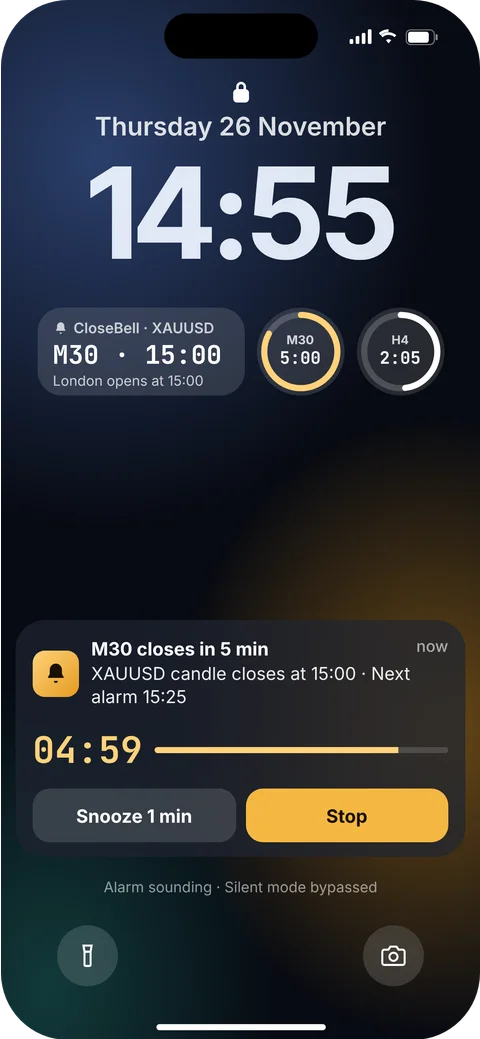
Candle close alarms
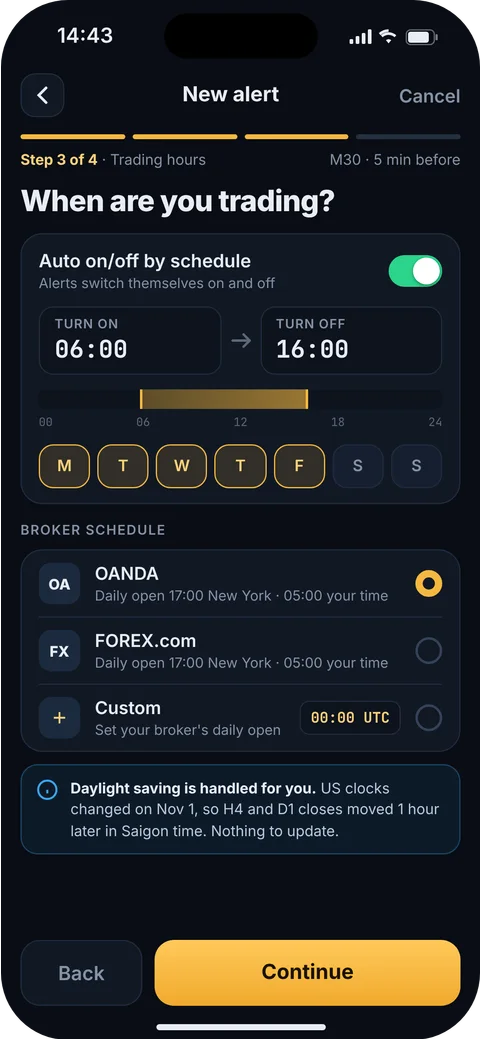
Pick your timeframes and choose how many seconds early the bell rings.
Sessions clock
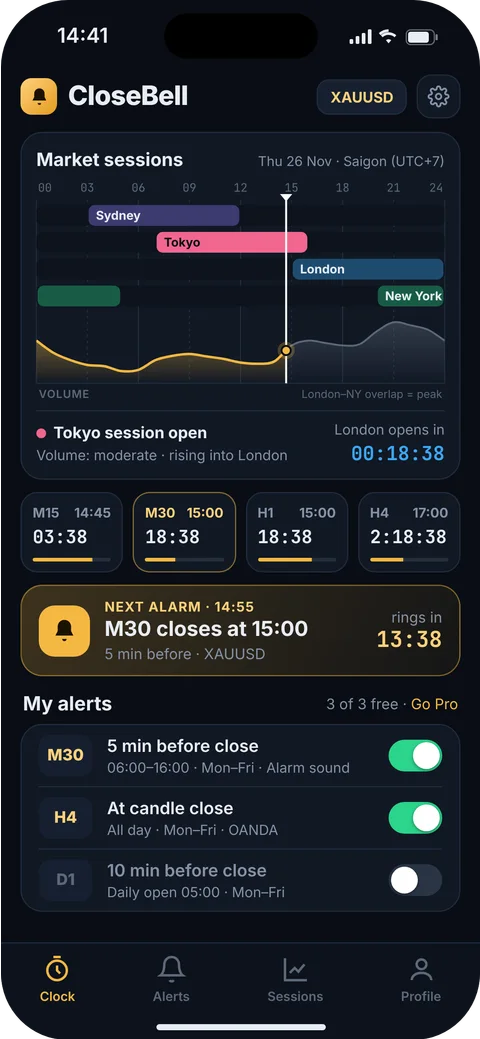
See which markets are open right now, at a glance.
Quiet by design
No charts to stare at. Just the bell.
No clutter. Your data stays yours.
CloseBell does one job. Its privacy page lists exactly what the app stores and where.
Read the CloseBell privacy policyFAQ
CloseBell questions
What is a candle close alarm?
An alert that rings a set number of seconds before a candle on your chosen timeframe closes, so you can check your setup at the right moment.
Which sessions does the clock show?
London, New York and Tokyo, so you can see at a glance which markets are open.
Is CloseBell financial advice?
No. CloseBell is a timing tool, not financial advice.
How do I try CloseBell?
CloseBell is in beta now. Tap "Join the beta" above to get it from closebell.app.